ProjectsJuly 30, 2026Learn German with Hadi
- The date field inside each file must match its filename exactly (2026-07-20.ts must contain date: "2026-07-20"). If they drift — e.g. from copy-pasting a previous day — npm run dev and npm run build throw immediately instead of silently showing the wrong date.
- Every field is typed (Session, Flashcard, Sentence, SessionSource in src/data/types.ts), so npm run build runs a full type-check over the content itself. A missing meaning, or a type that isn't one of "der" | "die" | "das" | "wort", fails the build rather than shipping a broken card.
- Anything derived — word counts, sentences-per-card — is computed from the cards array at render time, never hand-typed in the metadata. That rule exists because the original HTML page this app replaced had a subtitle claiming "45 Wörter" while actually containing 127 cards.
Each Flashcard carries: term (nouns include their article, e.g. "der Termin"; verbs/adjectives are bare, e.g. "klug"), a type that drives color-coding (der/die/das/wort), a tag pill (e.g. "Verb · trennbar", "der · n-Deklination"), an optional plural (with "—" as an explicit marker for nouns that grammatically have none), a German-language meaning (a paraphrase, deliberately not an English translation, to keep practice in German), and exactly four example sentences, each with an optional grammar note calling out what's being practiced (case, tense, verb position, separable prefixes, and so on).
To make authoring fast, I wrote a self-contained prompt (docs/ASSISTANT_PROMPT.md) that I paste into a fresh Claude conversation at the start of a study session — often by voice. I talk through that day's vocabulary and grammar out loud, and at the end I just say "generate today's session file"; Claude replies with a ready-to-save .ts file in the exact schema above, which I drop straight into src/data/sessions/.
- Auto-discovered session and grammar pages, browsable chronologically from the home page, with prev/next navigation between practice days.
- Flip-card review: each card shows the term and tag on the front; tapping or pressing Enter/Space flips it to reveal the meaning and four example sentences.
- Native text-to-speech: a speaker button on every card uses the browser's SpeechSynthesis API with a German voice (de-DE) to pronounce the term aloud — no external TTS service or API key involved.
- Randomized quiz mode: pulls a shuffled pool of cards from every session to date, presents 20 at a time, and has the user self-grade ("richtig"/"falsch gewusst") before showing a results summary — spaced-repetition-style self-testing across the full vocabulary history, not just the current day.
- Light/dark theme, respecting the OS preference on first visit and persisted afterward in localStorage.
- Fully in German UI copy and instructions, keeping the whole practice loop immersive rather than translated.
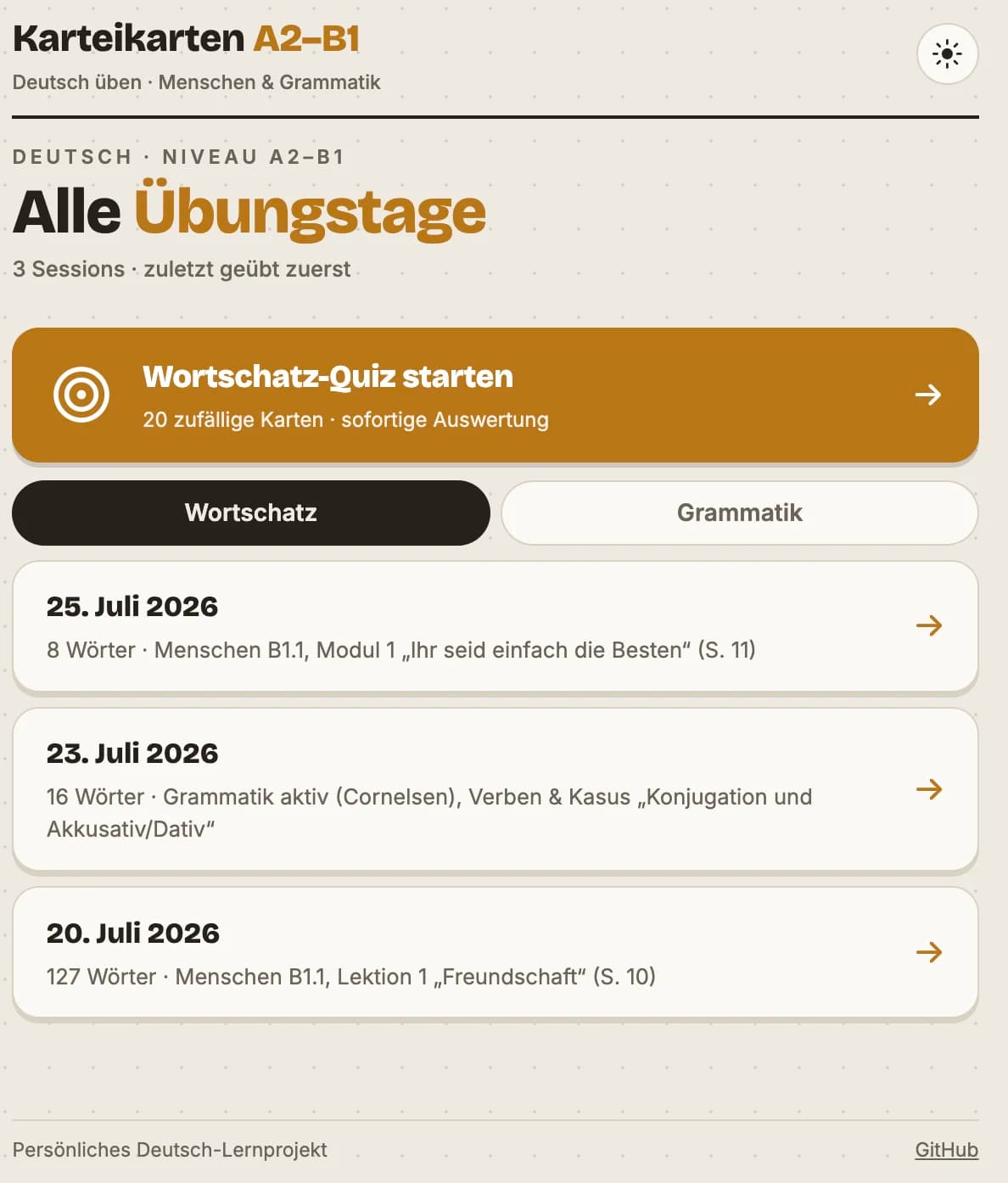
Home page: every session and grammar day is picked up automatically from data files and listed newest-first, with tabs to switch between Wortschatz (vocabulary) and Grammatik, plus a one-tap entry point into the 20-card quiz.
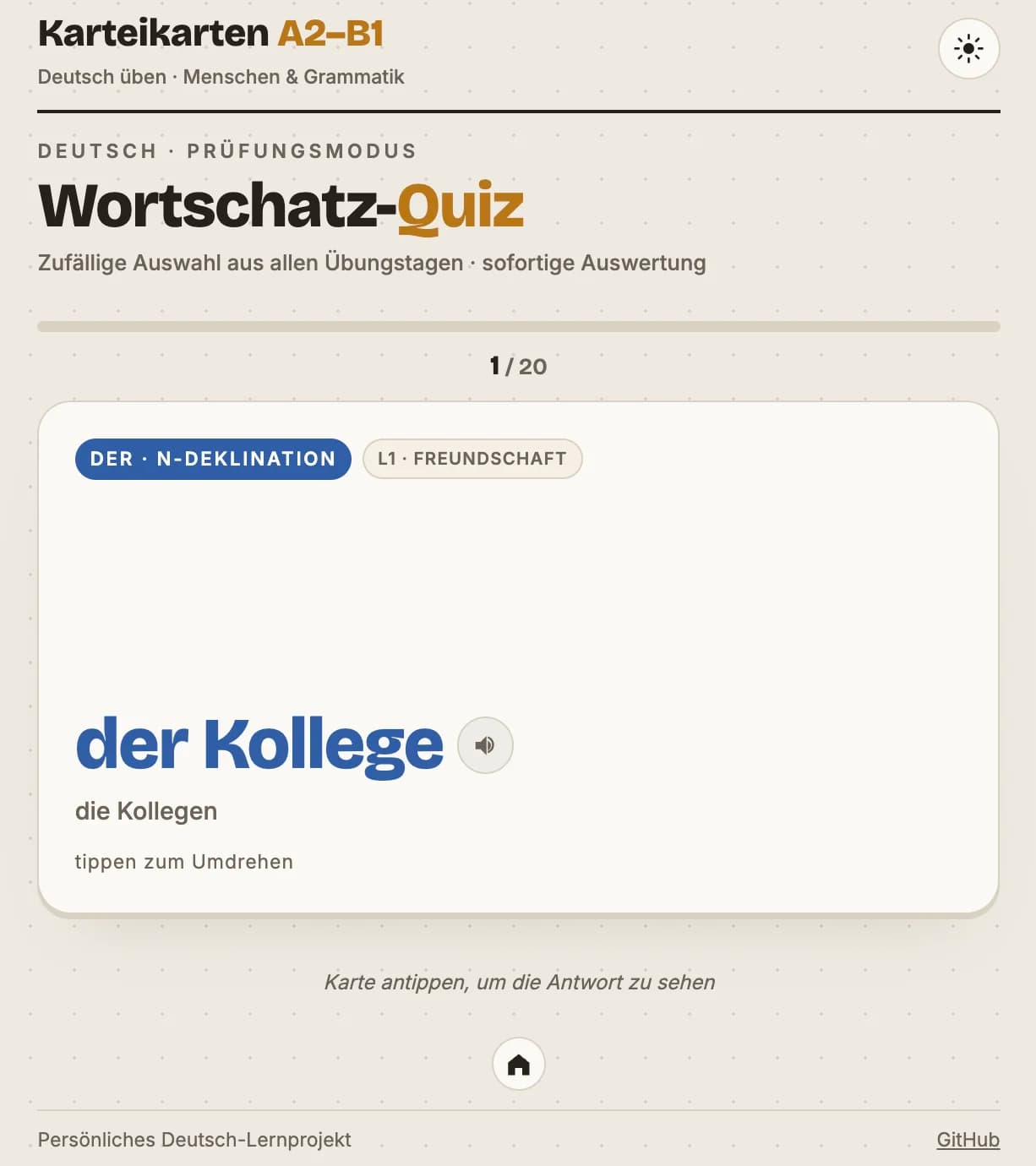
Quiz mode: a shuffled card drawn from across every practice day to date, tagged "der · n-Deklination" and tied to a specific textbook lesson ("L1 · Freundschaft"), with the speaker icon triggering native German text-to-speech.
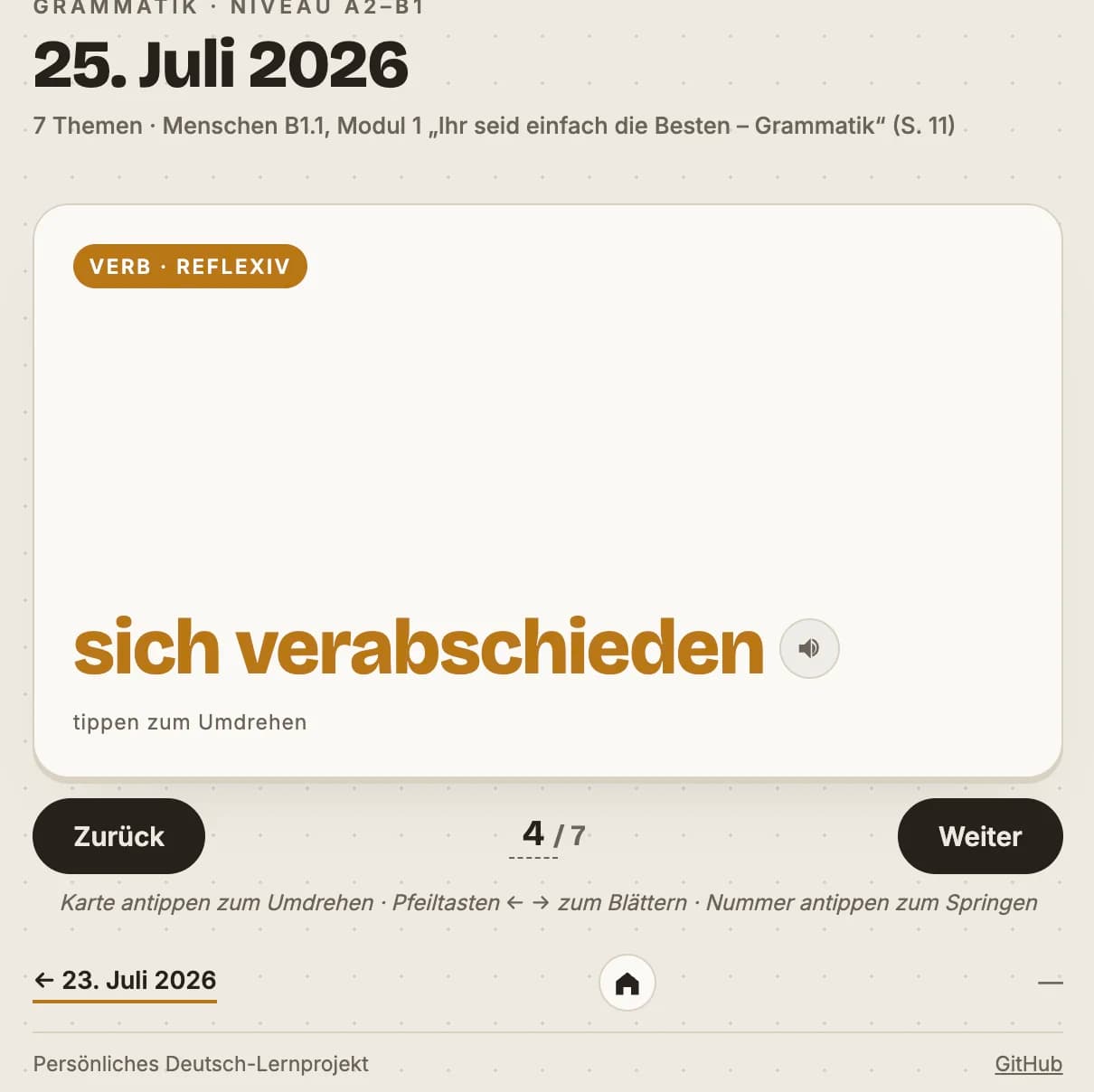
Grammar deck: browsing a grammar session's cards ("Verb · reflexiv") with arrow-key navigation between cards and prev/next links to the neighboring practice day.
- Framework: React 19 + TypeScript, built with Vite
- Routing: React Router (/, /:date for a session, /grammatik/:date for a grammar set, /quiz)
- Content model: typed local data files, discovered via import.meta.glob — no backend, no database
- Linting: oxlint
- Containerization: multi-stage Docker build — node:22-alpine builds the static bundle, nginx:1.27-alpine serves it
- Hosting: Google Cloud Run, deployed straight from source (gcloud run deploy --source ., no separate registry push step)
The app ships as a small static bundle behind nginx rather than a Node server. The Dockerfile's runtime stage uses nginx's built-in envsubst templating to substitute Cloud Run's injected $PORT into the config at container start, and try_files $uri $uri/ /index.html; provides the SPA fallback so a deep link straight to /2026-07-20 still resolves through React Router instead of 404ing.
Deployment is intentionally manual, via a single script:
It runs a local npm run build first (so a type-check or data-schema failure is caught before it ever reaches Cloud Build), enables the required GCP APIs if needed, deploys to Cloud Run with public unauthenticated access, and prints the live URL. Region/project/service name are all overridable via environment variables without editing the script.
This isn't a product — it's infrastructure for a personal habit. The interesting engineering problem wasn't the flashcard UI itself; it was designing a content format that's fast to author (ideally by just talking through a study session), impossible to get subtly wrong, and that turns into a browsable site with zero incremental wiring per day. The type-checked schema, the filename/date guard, and the Claude-assisted authoring prompt all exist to serve that one goal: keep the friction of adding today's words lower than the friction of skipping the day.
Social Vantage AI — a cross-platform social search and analytics platform (YouTube, X, TikTok, Instagram) combining semantic search with AI-driven query refinement.