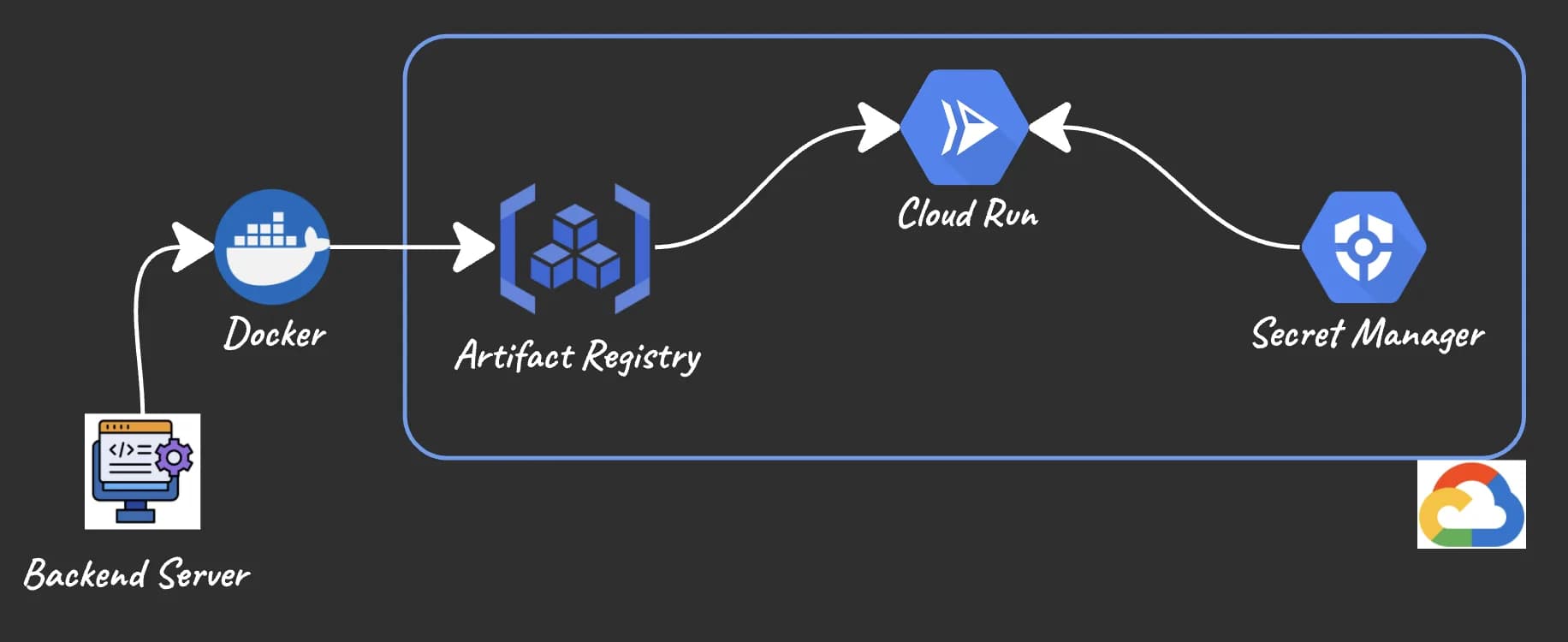
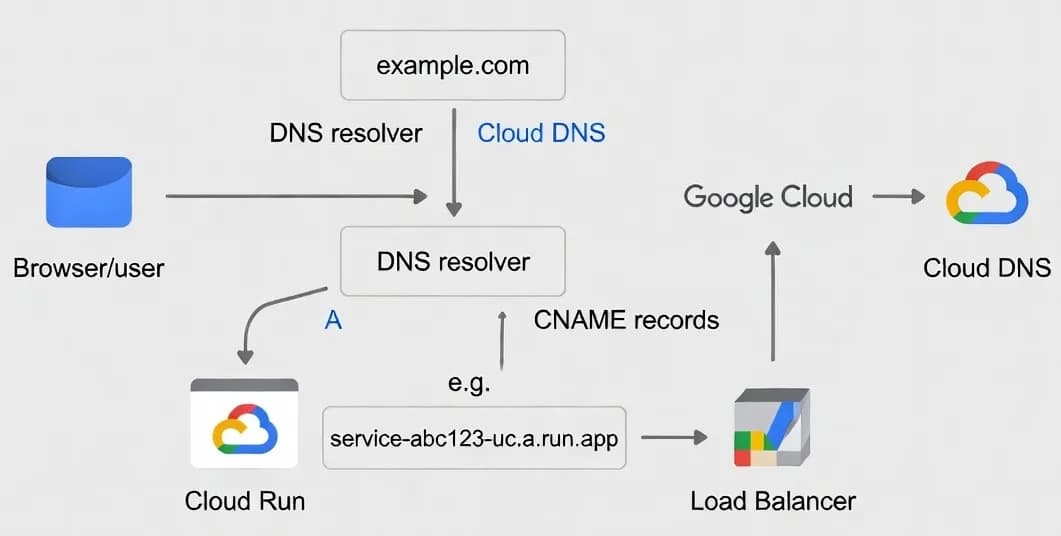
Overview
- Cloud Run service deployed and accessible at *.run.app
- Domain registered with Porkbun
- GCP project with billing enabled
Verify Domain Ownership
- Go to Cloud Run → Domain mappings → Add mapping
- Select your service and enter your domain (e.g., hadirouhani.com)
- Google provides a TXT verification record
- In Porkbun DNS, add:
- Type: TXT
- Host: @
- Value: google-site-verification=<your-token>
- TTL: 600
- Return to Cloud Run and complete verification
Create Domain Mappings
- yourdomain.com (apex)
- www.yourdomain.com
Configure DNS in Porkbun
For www subdomain:
- Type: CNAME
- Host: www
- Answer: ghs.googlehosted.com
- TTL: 600
For apex domain:
- Type: A, Host: @, Answer: 216.239.32.21
- Type: A, Host: @, Answer: 216.239.34.21
- Type: A, Host: @, Answer: 216.239.36.21
- Type: A, Host: @, Answer: 216.239.38.21
- Type: AAAA, Host: @, Answer: 2001:4860:4802:32::15
- Type: AAAA, Host: @, Answer: 2001:4860:4802:34::15
- Type: AAAA, Host: @, Answer: 2001:4860:4802:36::15
- Type: AAAA, Host: @, Answer: 2001:4860:4802:38::15
Verify DNS Propagation
Bash
HTTP to HTTPS Redirect
Javascript
Python
Common Issues
- Verify apex A/AAAA records match Cloud Run exactly
- Remove any conflicting ALIAS records
- Try IPv4 only: curl -4Iv https://yourdomain.com
- DNS records don't match Cloud Run requirements
- Mapping status not "Ready" yet (check Cloud Run console)
- Remove wildcard CNAME records (* → ghs.googlehosted.com)
- Restore MX records for your email provider (Porkbun forwarding uses fwd1.porkbun.com and fwd2.porkbun.com)
Final Checklist
- Cloud Run service responds at *.run.app URL
- Domain verified with TXT record
- Both apex and www mappings created in Cloud Run
- Porkbun DNS has all required A/AAAA and CNAME records
- No wildcard or conflicting records
- dig confirms correct DNS resolution
- Domain mapping status shows "Ready" in Cloud Run
- HTTPS works for both apex and www
- MX records preserved if using email